Original image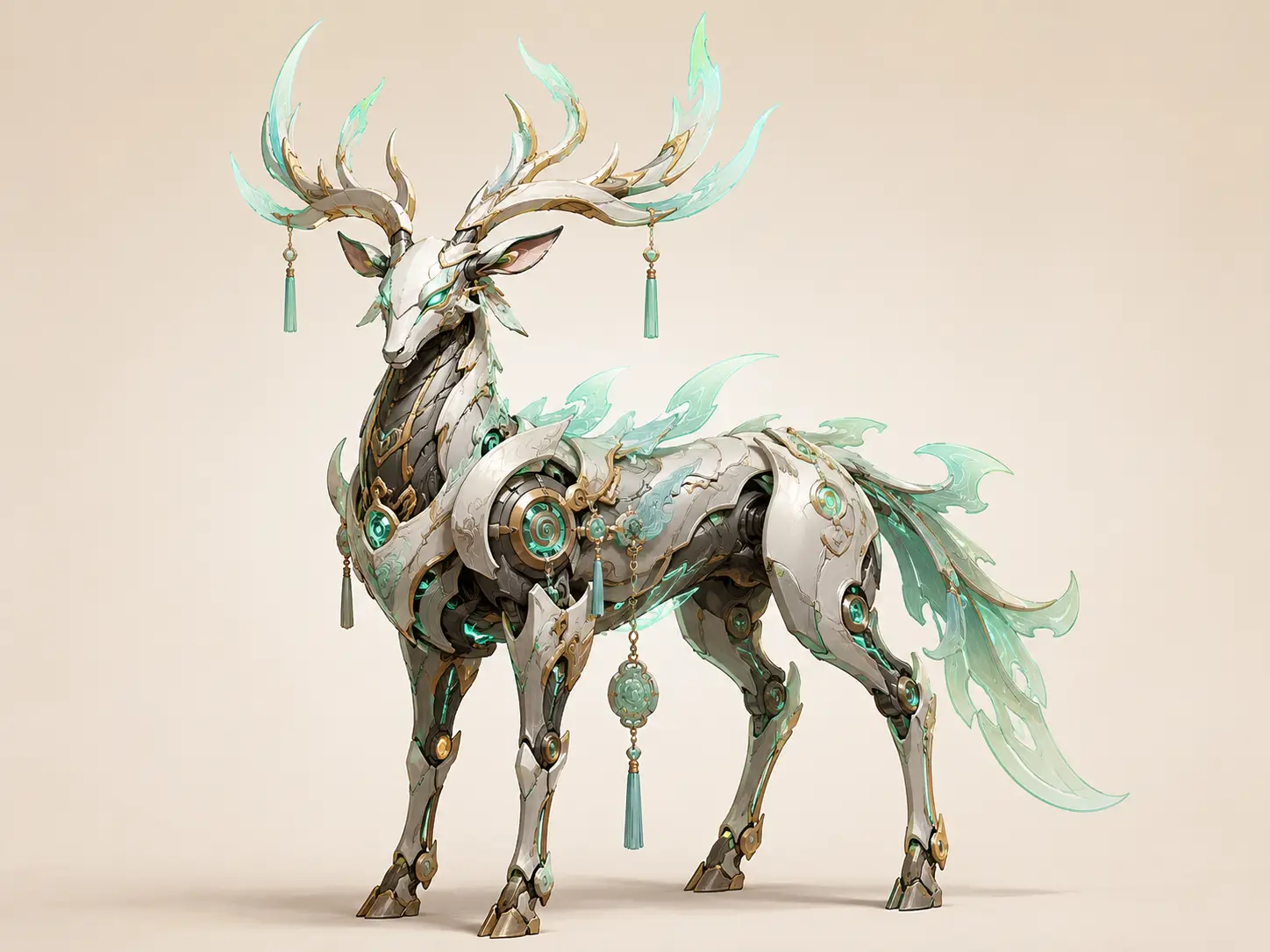
3D result
Concept art
Concept Art to 3D Model
Turn detailed fantasy concept art into a textured 3D asset that can be inspected from every angle.
Create detailed, textured 3D models from photos, sketches, AI artwork, and multiple reference views, with faithful geometry, consistent surfaces, interactive 360° previews, and downloadable 3D assets.
Create a complete 3D model from a single image, or use multiple views when you want the geometry and visible details to follow the original object more closely.
Generation quality
Your 3D Model
Inspect the generated 3D model from every angle in an interactive 360° viewer.
Your generated model will appear here with orbit controls, texture preview, and download options.
IMAGE TO 3D MODEL EXAMPLES
Compare original 2D references with rotatable 3D results across product photos, character art, real objects, and multi-view inputs.
Concept art
Turn detailed fantasy concept art into a textured 3D asset that can be inspected from every angle.
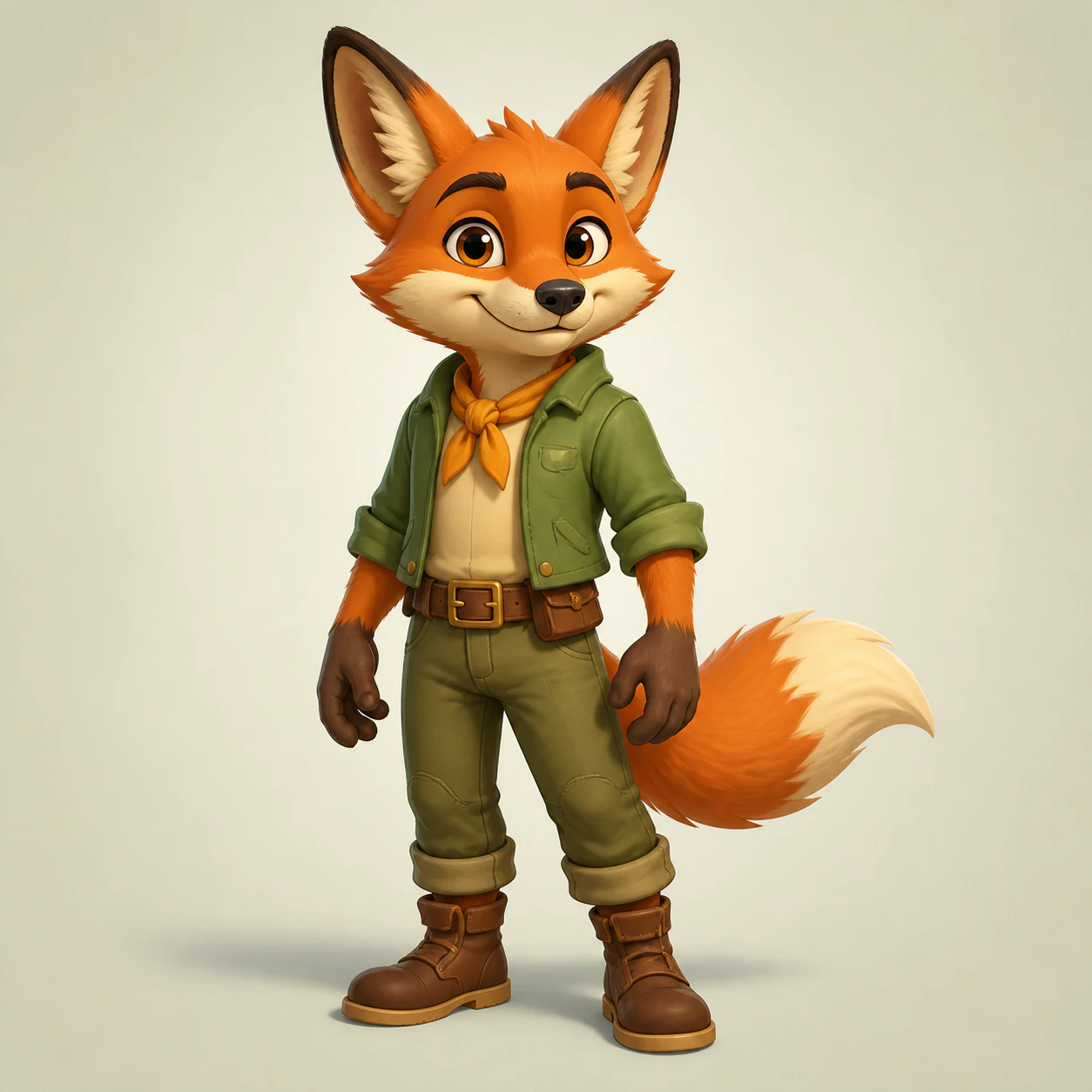
Character art
Convert a character illustration or AI artwork into a dimensional model that can be viewed beyond the original camera angle.
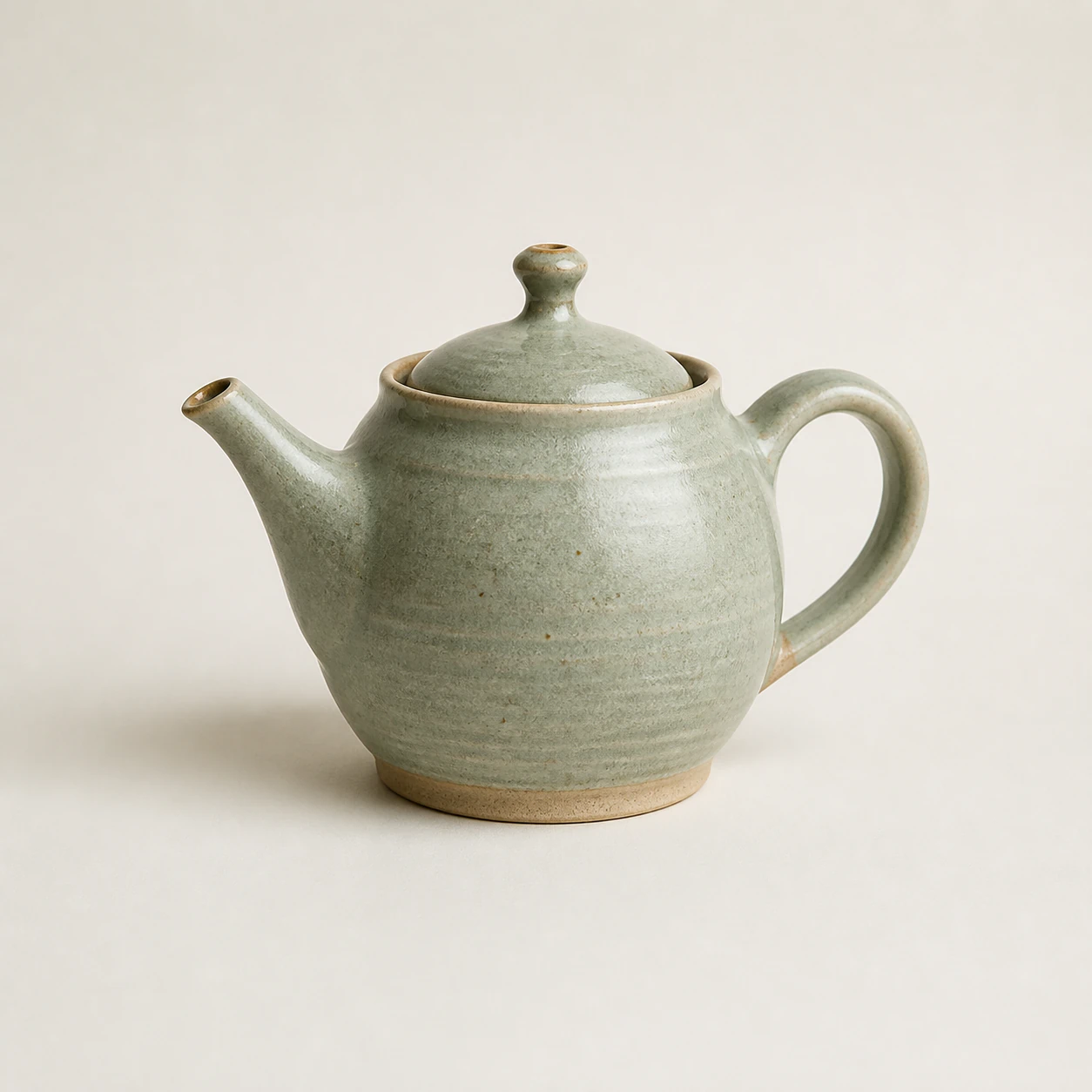
Real object
Create a 3D model from a clear object photo while preserving the visual identity, silhouette, and visible texture of the subject.
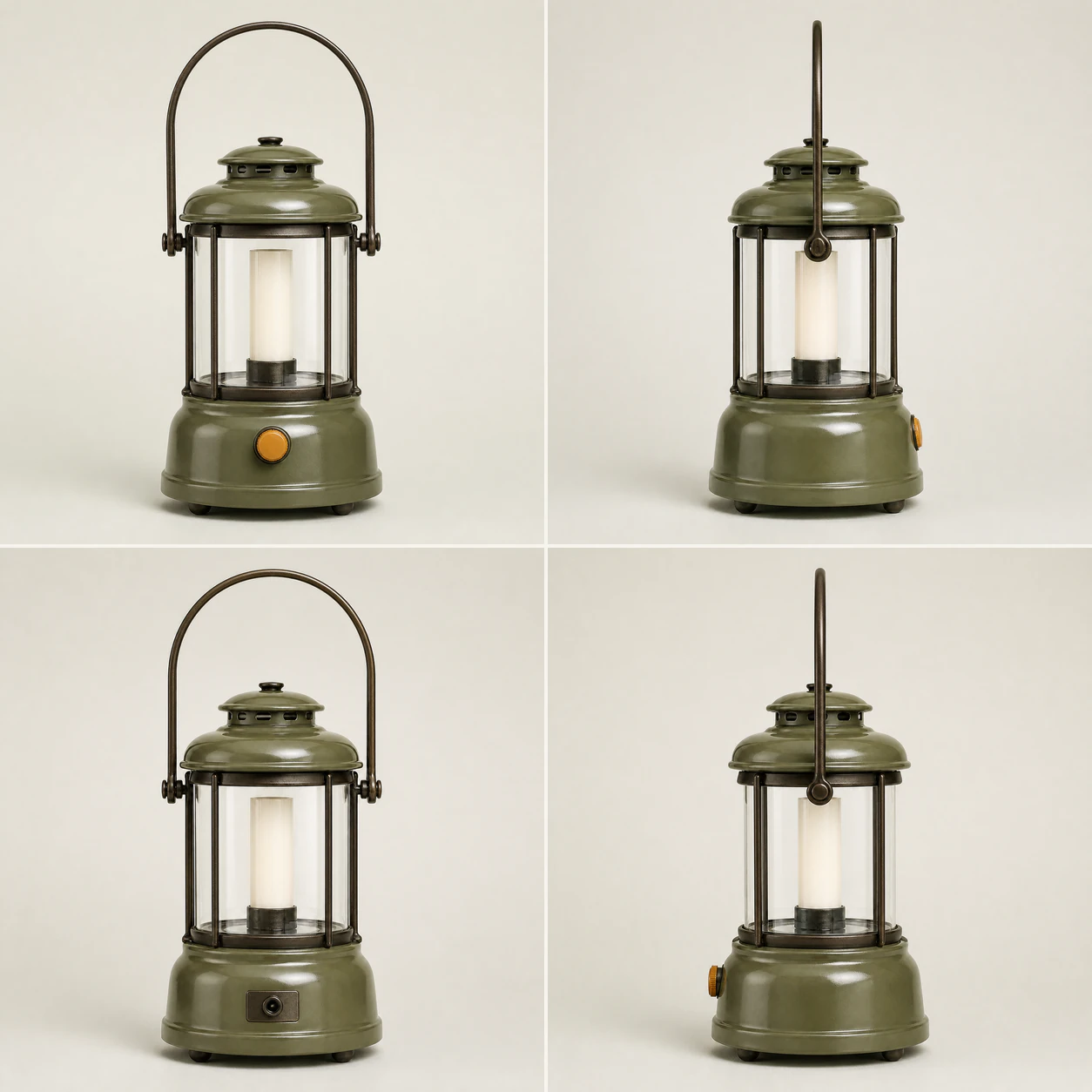
Multi-view
Use front, side, and back references to reduce hidden-side guesswork and create a 3D model that follows the real object more faithfully.
MORE IMAGE TO 3D EXAMPLES
Compare each source image with a real generated 3D asset, then drag to inspect the result from every angle.
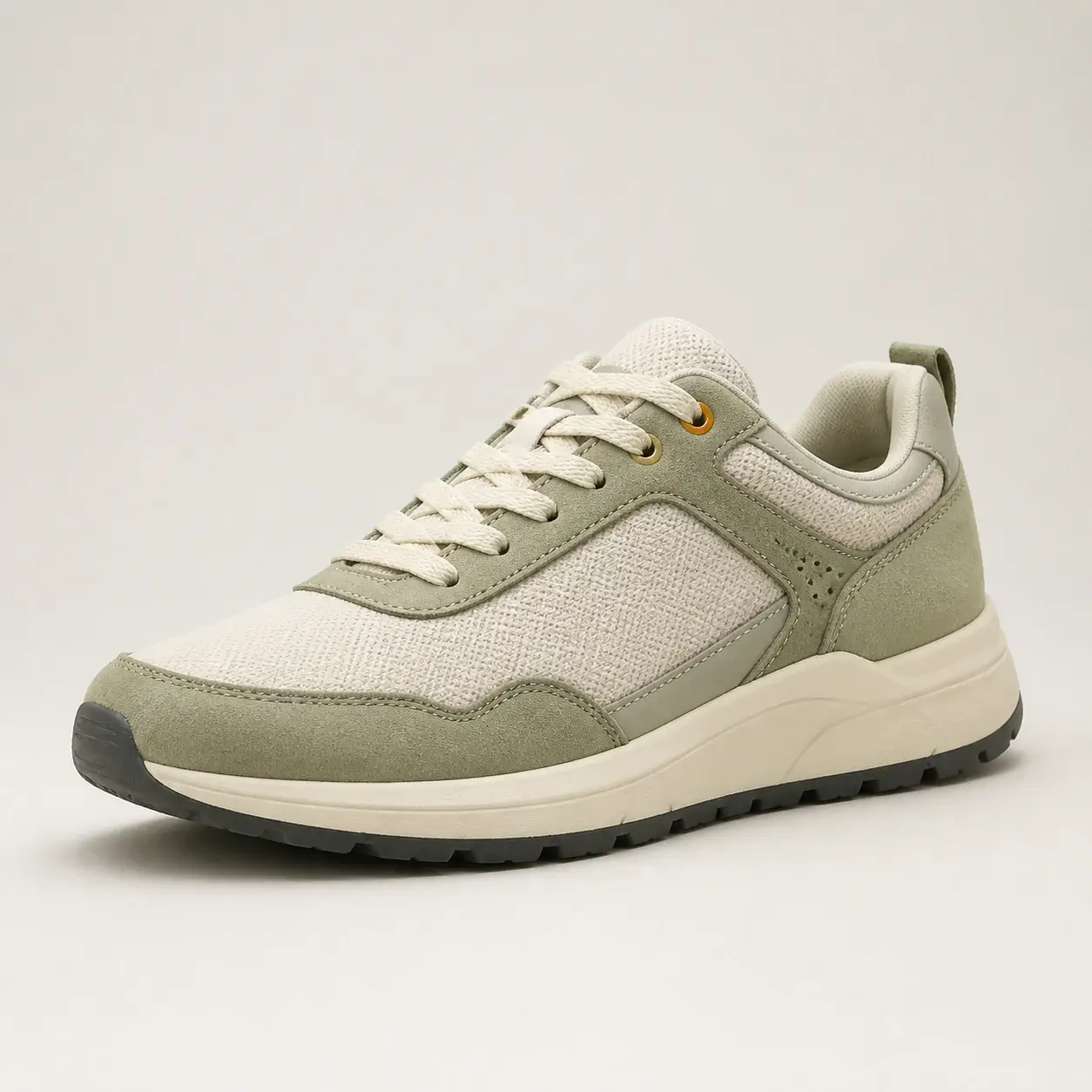
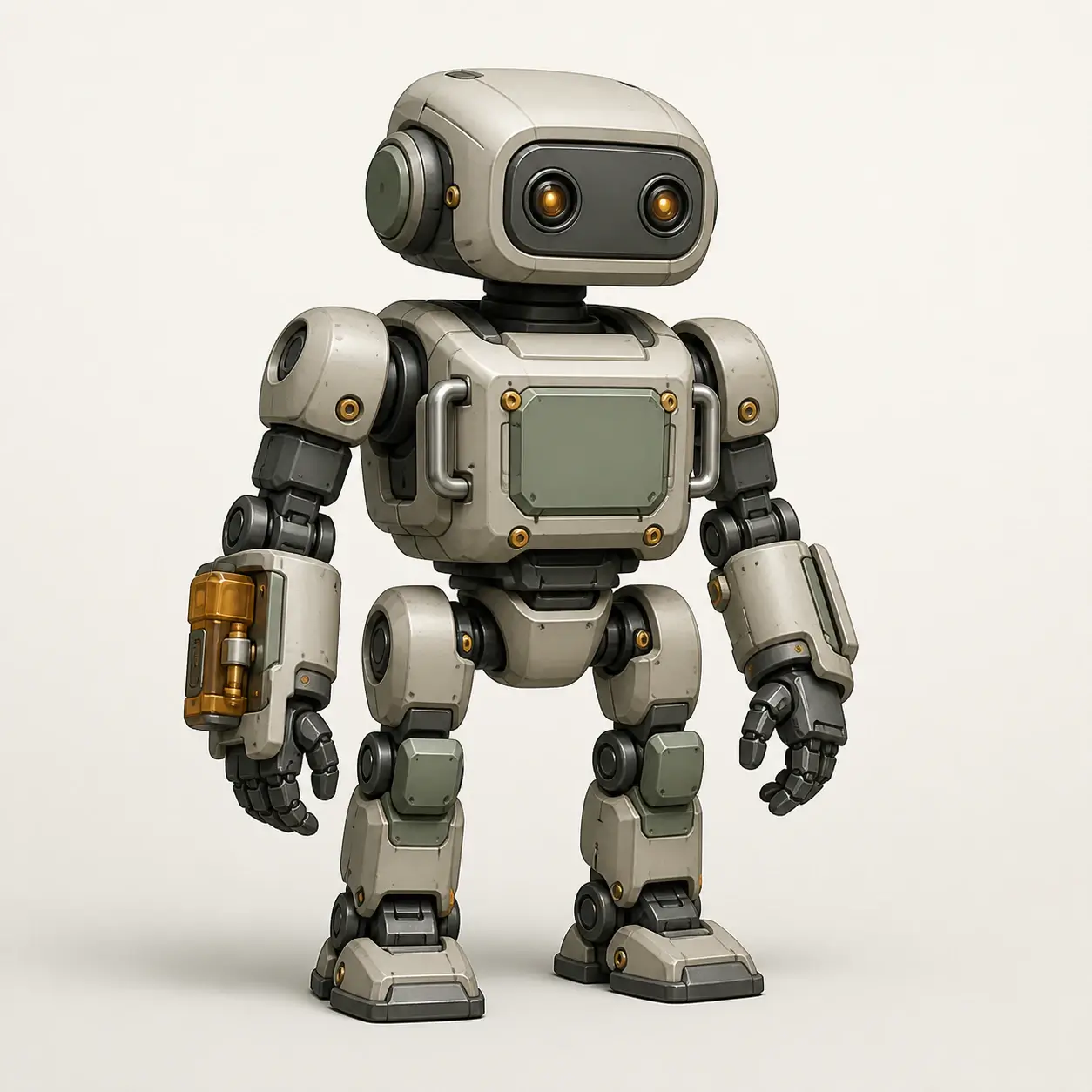
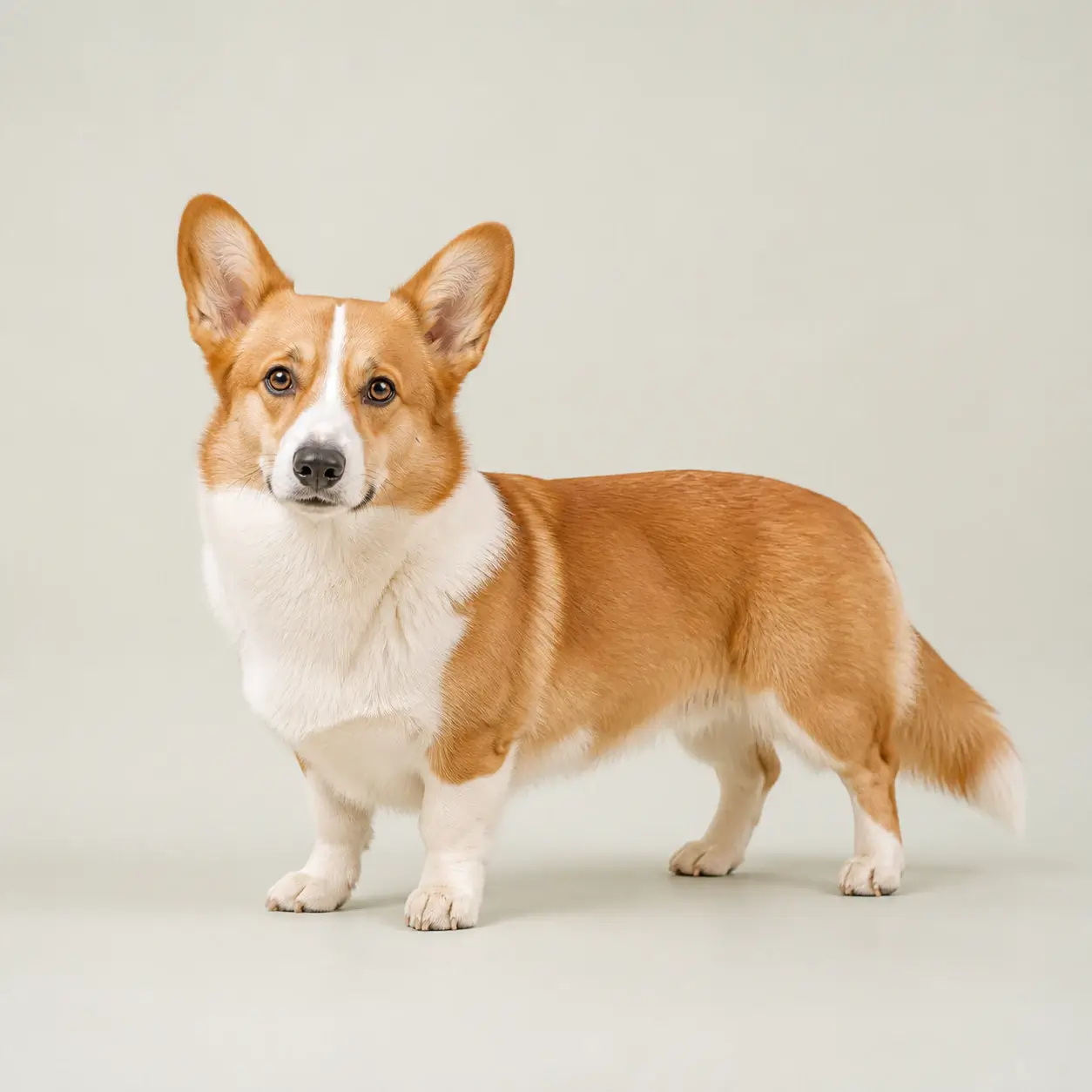
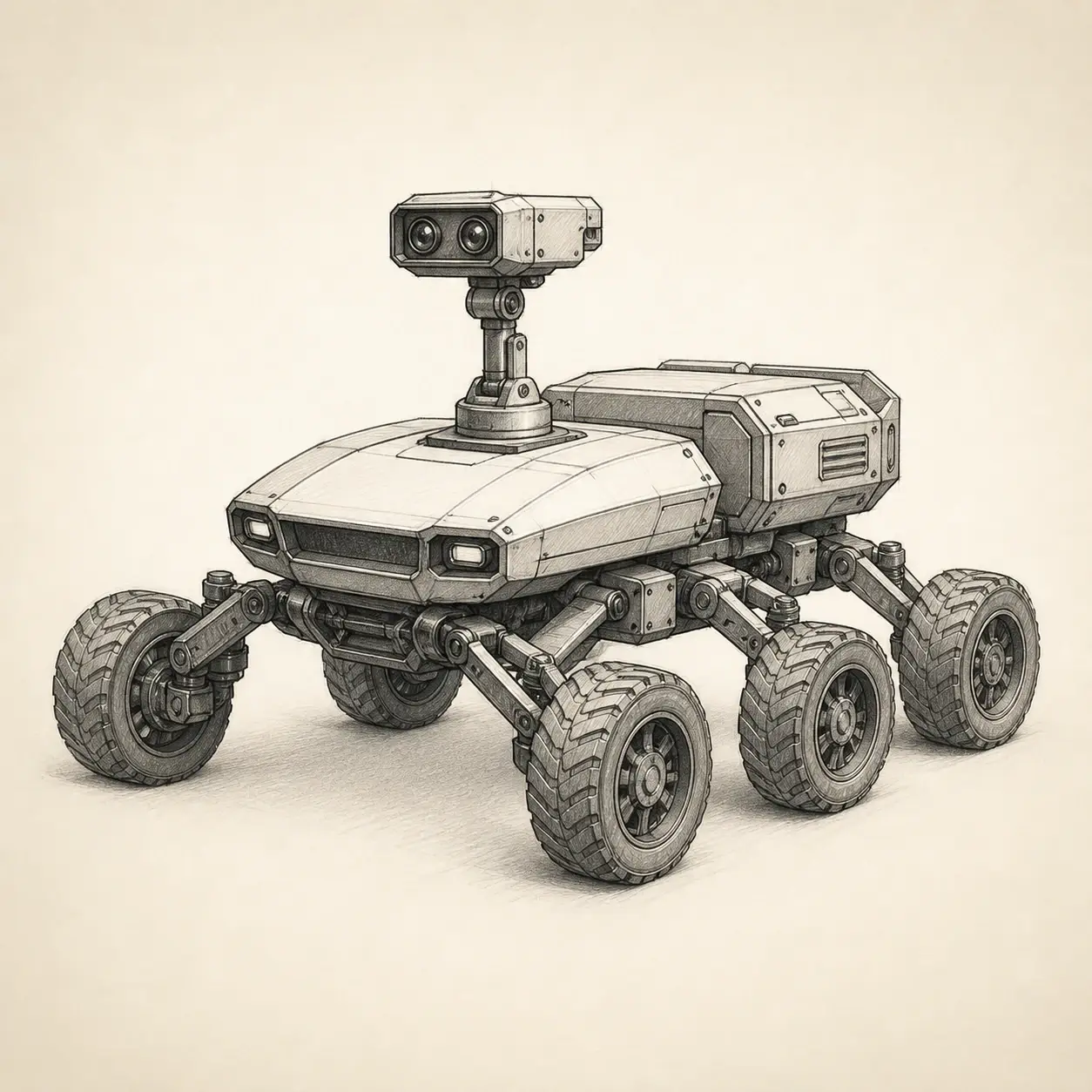
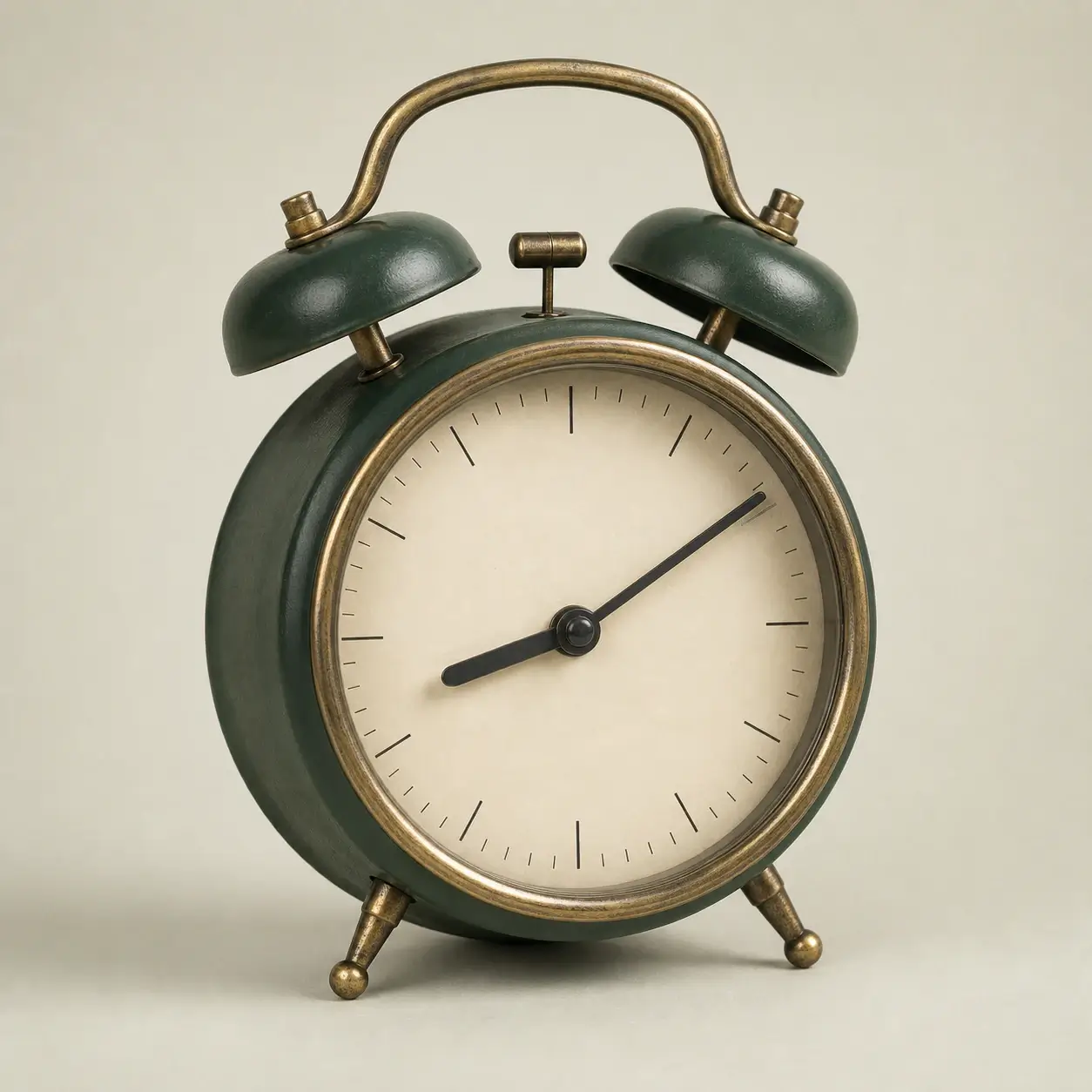
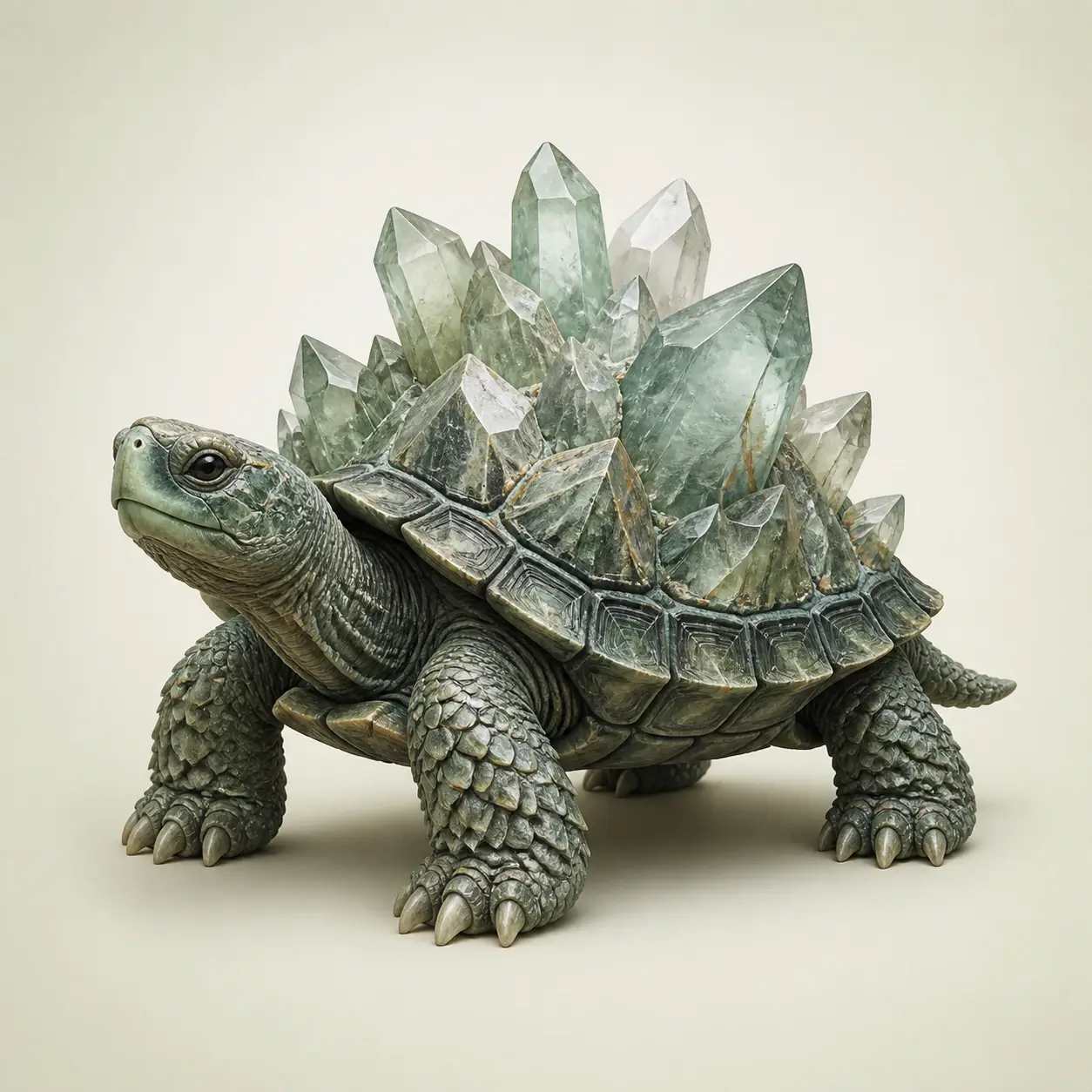
An image to 3D model generator reconstructs shape, depth, visible materials, and likely hidden surfaces from 2D visual references. The result is a real 3D asset that can be rotated in 360°, inspected from different angles, and downloaded for 3D workflows instead of a flat image with a simulated 3D effect.
SINGLE IMAGE OR MULTI-VIEW
A single image is the fastest way to create a 3D model. Multiple reference images provide more real information about side and back geometry when accuracy matters.
Fastest workflow
Turn one photo, illustration, sketch, or AI image into a complete textured 3D model. AI reconstructs the visible subject and predicts surfaces that are hidden from the camera.
Higher fidelity
Create a more faithful 3D model from multiple photos of the same subject. Front, left, back, and right views reduce ambiguity in proportions, shape, and surface details.
BETTER INPUT, BETTER 3D
AI can infer hidden geometry, but stronger visual evidence produces more faithful shape, proportions, and texture. A few simple reference choices make a meaningful difference.
A recognizable subject with a visible silhouette gives the image to 3D model generator a cleaner shape to reconstruct.
Less background clutter makes subject separation easier and reduces accidental geometry around the main object.
Even lighting preserves material cues and surface detail without confusing strong shadows with real geometry.
Front, side, and back photos reveal real information that a single image cannot contain, reducing hidden-side guesswork.
REAL 3D OUTPUT
The image to 3D model workflow is designed around actual 3D geometry, textured surfaces, interactive inspection, and downloadable assets.
AI reconstructs the subject as dimensional geometry so the result can be inspected beyond the original 2D camera view.
Preserve the visible color, material cues, patterns, and surface identity that make the original image recognizable.
IMAGE TO 3D CAPABILITIES
Create real 3D output with a simpler experience built around image-first generation rather than a complex professional modeling workspace.
Generate dimensional geometry and textured surfaces instead of a flat image that only looks three-dimensional.
Start with one image for speed or add multiple views when you want a more faithful reconstruction.
Rotate the generated model directly in the browser and inspect areas that were not visible in the original image.
Keep the generated result as a real 3D file for compatible web, creative, and 3D workflows.
New users receive free credits so the image to 3D model generator can be tried without purchasing first.
The interface stays centered on converting visual references into 3D instead of overwhelming users with a full 3D editor.
IMAGE TO 3D USE CASES
Use the image to 3D model generator across real photos, product imagery, character art, sketches, drawings, and AI-created visuals.
Convert a clear photo of an object into a textured 3D model with shape and depth beyond the original camera angle.
Create rotatable 3D product assets for visualization, presentation, ecommerce concepts, and interactive web experiences.
Bring concept characters, game art, avatars, and illustrated subjects into a dimensional 3D form.
Transform a clean design sketch or concept drawing into a 3D starting point for faster visual exploration.
Turn AI-generated artwork into a real 3D asset that can be rotated, inspected, reused, and developed further.
Combine several views of one subject to improve geometry, proportions, and details on surfaces a single image cannot reveal.
IMAGE TO 3D TOOLS
Start with the type of reference you already have. Each workflow is optimized around a distinct image-to-3D search intent and use case.
Turn one real-world object photo into a textured, rotatable 3D model.
Use 2–4 real views to improve side, back, and asymmetric geometry.
Bring concept sketches, drawings, and line art into dimensional 3D.
Create textured, rotatable product 3D assets from existing product imagery.
Image to 3D Model is designed for people who have a visual reference and want a usable 3D result without starting from a blank 3D scene.
HOW IT WORKS
The generation workflow stays simple while the AI handles the difficult reconstruction work behind the scenes.
Answers about free image to 3D model generation, single-image reconstruction, multiple views, textures, 3D previews, and downloadable assets.
Create a detailed 3D model from a photo, sketch, AI image, or multiple reference views and explore the result from every angle.